What Changed for Pakistani Freelancers
For years, receiving international freelance and software export earnings in Pakistan meant navigating multi-hop intermediary accounts, 3-to-5-day bank clearing windows, or opaque currency conversion spreads.
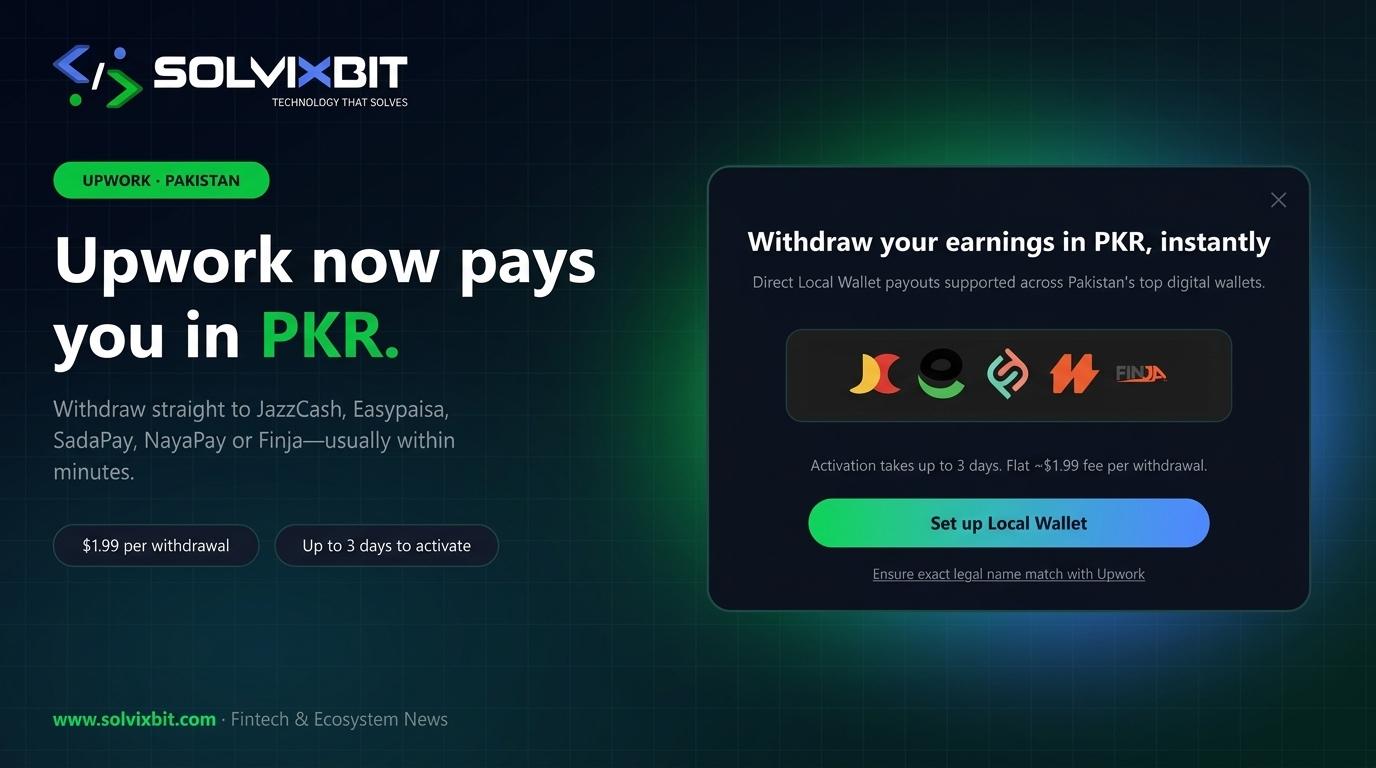
Upwork has streamlined this workflow by rolling out Direct to Local Wallet payouts in Pakistani Rupees (PKR). Instead of routing funds through third-party USD intermediaries or waiting days for traditional commercial bank wires, eligible Pakistani freelancers and solo practitioners can now withdraw earnings straight into leading local mobile and digital wallets—often settling within minutes once active.
Supported Wallets, Fees, and Speed
Upwork's Direct to Local Wallet option integrates with Pakistan's five major digital financial platforms:
- Supported Providers: JazzCash, Easypaisa, SadaPay, NayaPay, and Finja.
- Withdrawal Fee: A flat $1.99 USD per withdrawal transaction.
- Settlement Speed: Typically arrives within minutes once your payout method is verified and active.
- Activation Hold: Newly added withdrawal methods require up to 3 calendar days to activate as part of Upwork's standard payout security cooldown.
How to Set Up Direct to Local Wallet
Configuring a local PKR wallet inside your Upwork account takes only a few minutes:
- Open Settings > Get Paid inside your Upwork account.
- Click Add Method and select Direct to Local Wallet (PKR).
- Choose your wallet provider (JazzCash, Easypaisa, SadaPay, NayaPay, or Finja) and enter your registered mobile number or IBAN/wallet identifier as prompted.
- Confirm your details and wait for the up to 3-day security activation window to complete before initiating your first instant withdrawal.
Critical Compliance & Name-Matching Rules
The most common cause of delayed or rejected PKR wallet payouts is a mismatch between your Upwork profile and your local wallet registration.
- Exact Legal Name Match: The full legal name on your Upwork verified profile must strictly match the CNIC-registered title on your JazzCash, Easypaisa, SadaPay, NayaPay, or Finja account.
- Wallet Tier Limits: Verify your monthly and daily incoming remittance limits inside your mobile wallet app before initiating larger milestone withdrawals, especially on basic biometric tiers.
- Exchange Rate Awareness: While the flat fee is $1.99, always review the effective USD-to-PKR conversion rate shown on the withdrawal confirmation screen.
Local Wallet vs. Direct Bank & Payoneer
Choosing the right payout rail depends on your cash-flow cadence and withdrawal size:
- Direct to Local Wallet ($1.99 flat): Best for fast, day-to-day liquidity and smaller-to-mid-sized withdrawals where receiving PKR in minutes matters.
- Direct to Local Bank ($0.99 flat): Ideal for larger scheduled payouts into traditional bank accounts (e.g., Meezan, HBL, UBL, Alfalah) when a 1-to-4 business day settlement window is acceptable.
- Payoneer / USD Accounts: Still useful if you need to hold USD balances for international SaaS expenses, ad spend, or contractor payouts before converting to PKR.